Staircase — After Effects
Stagger, sequence and randomise blocks of layers.
Staircase divides selected layers into blocks by size or by label colour, then staggers, sequences, eases and randomises them together. Offset individually, or control inside and outside each block. Fade between them. Hovering the UI highlights which labels are in play.
What it does
Six things Staircase does well.
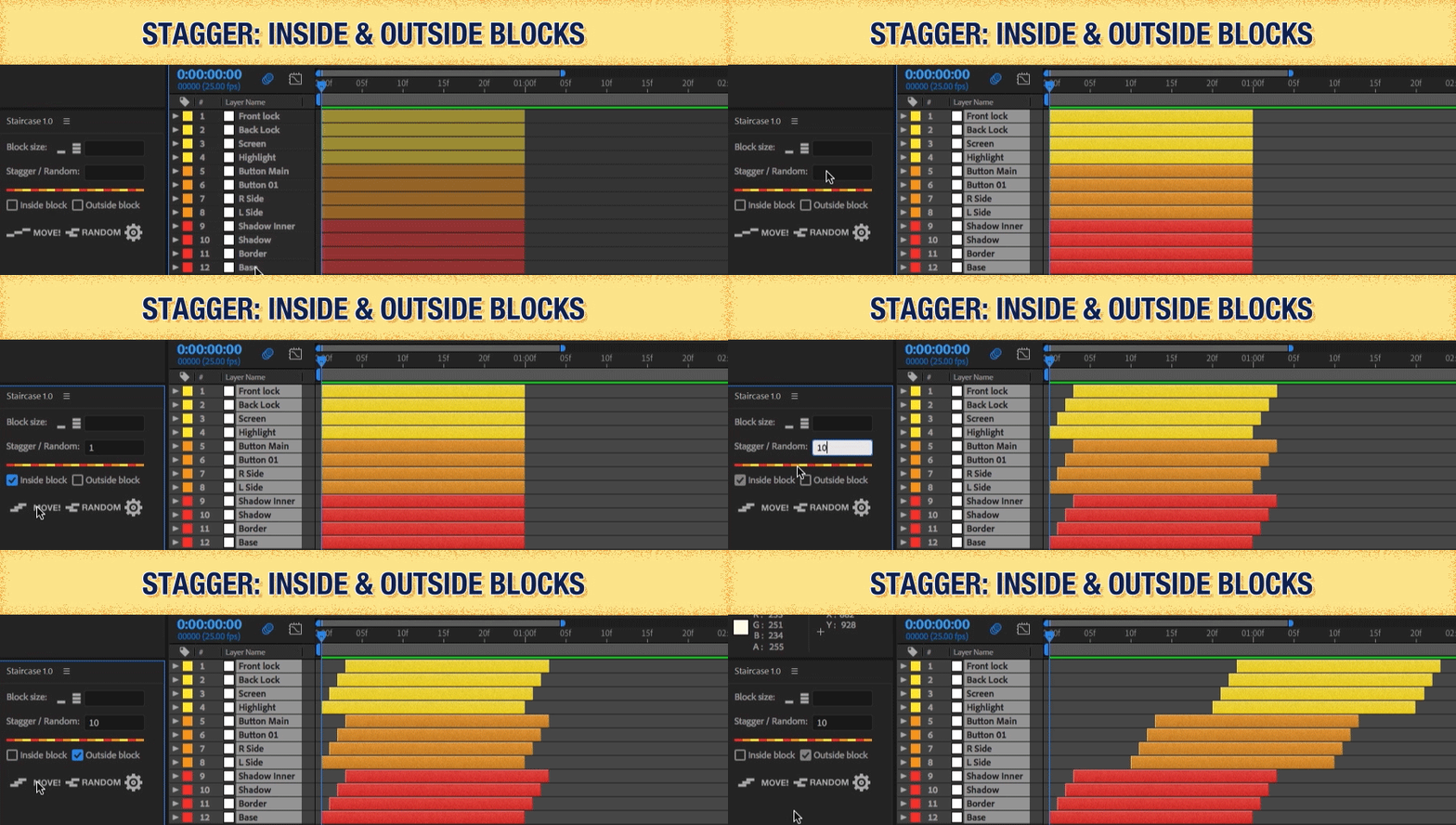
Stagger
Offset blocks in increments — or by their position in the composition, using centre point or bounding box.
Easing
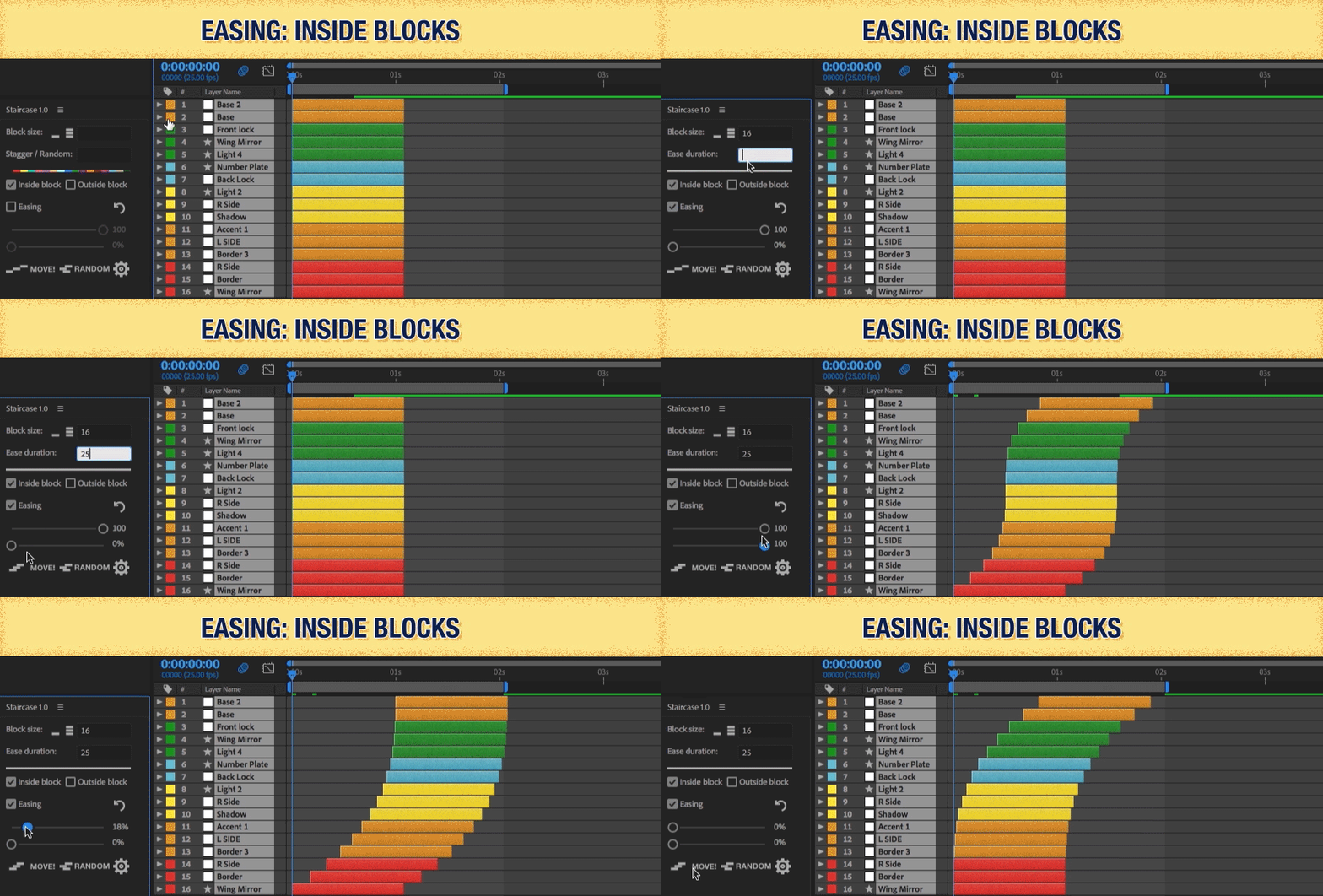
Ease all selected layers, or just inside/outside blocks. Round to the nearest frame if you need it.
Sequence
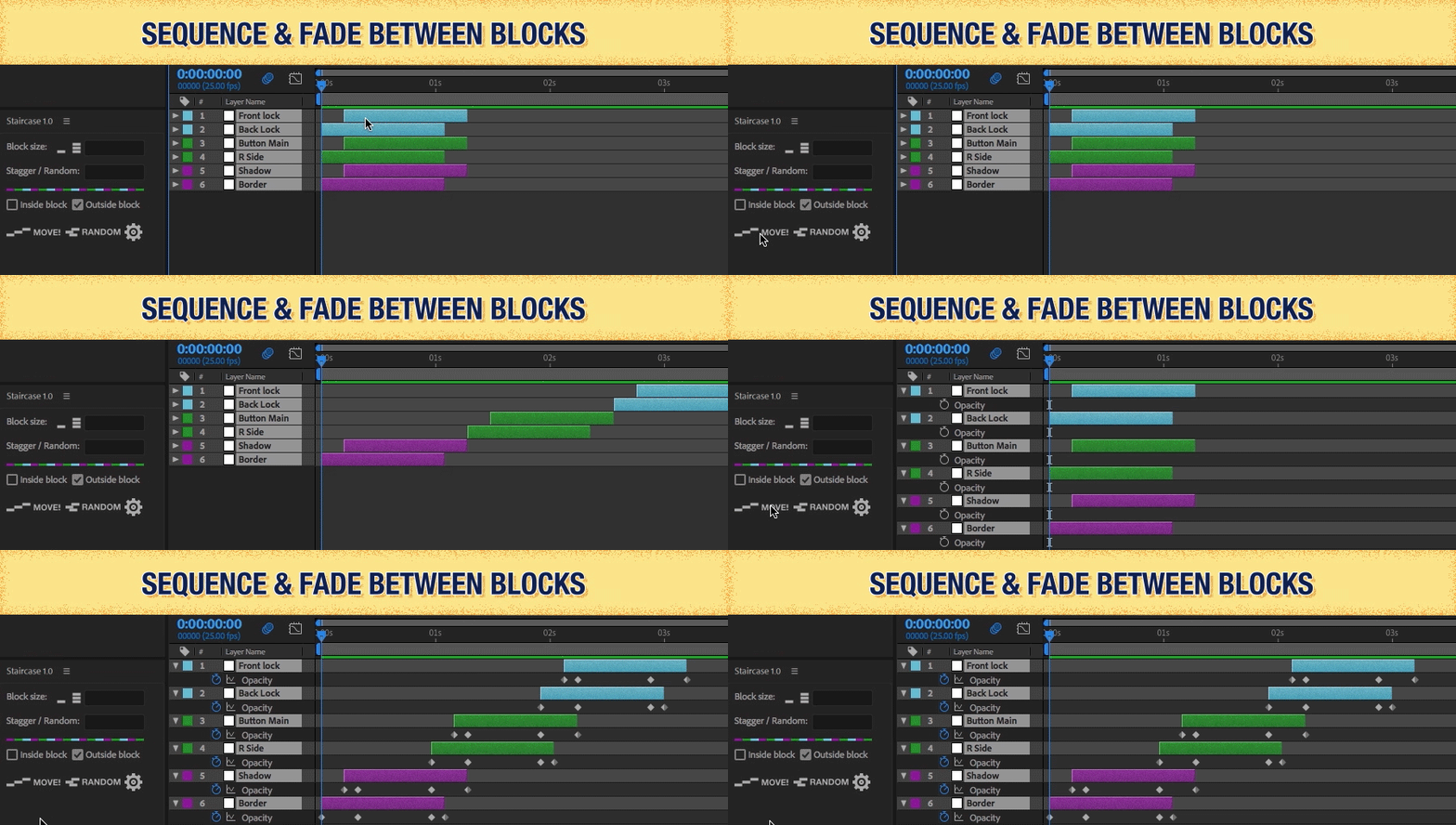
Sequence layers or blocks and fade between them with Shift/Alt modifiers.
Randomise
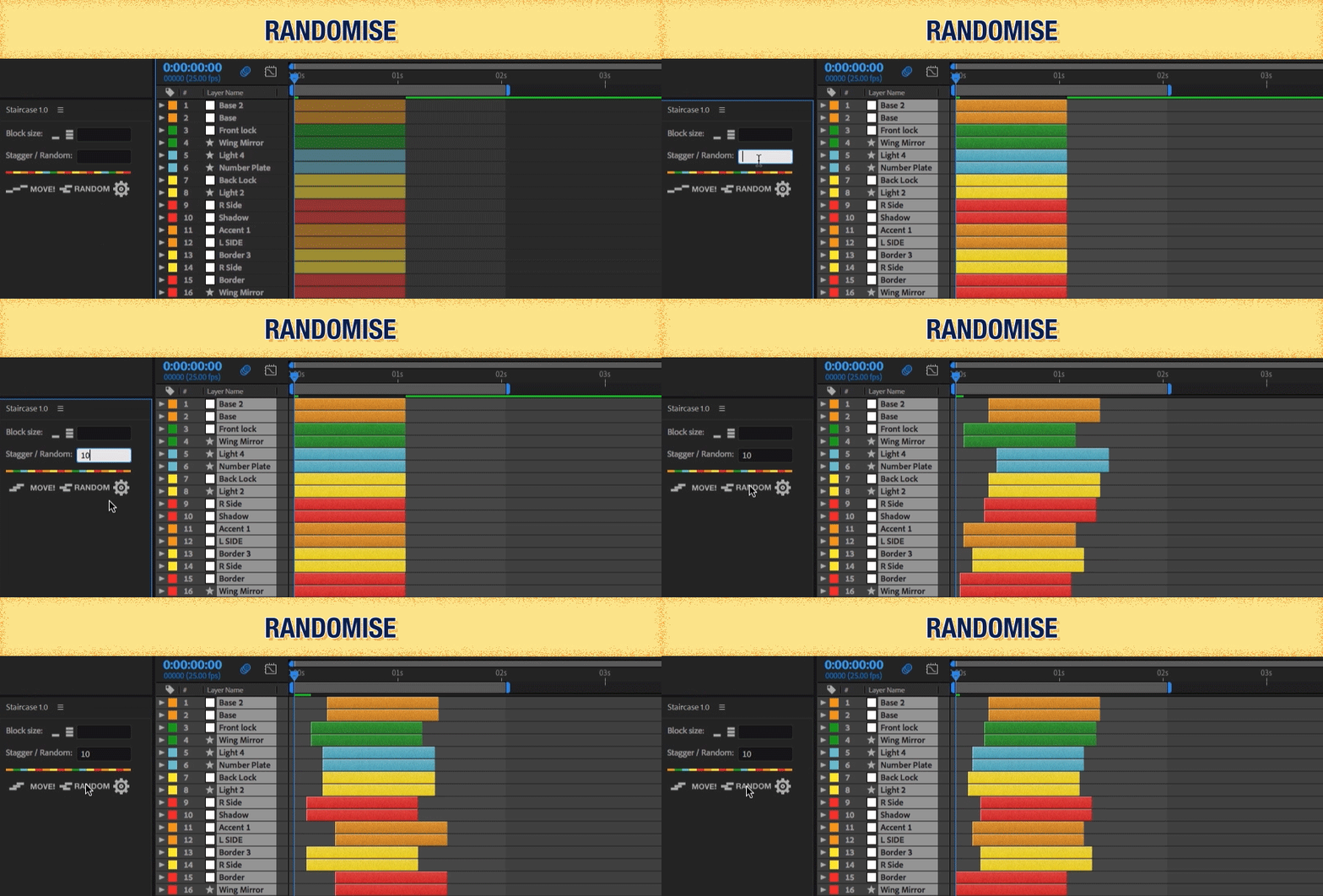
Push blocks forwards — or forwards and backwards — in time up to a defined amount.
Custom UI
Toggle Inside/Outside Block controls and Easing controls on and off. Rebuilds on reopen.
Frames or seconds
Work in frames, seconds or minutes, whichever your project runs in.
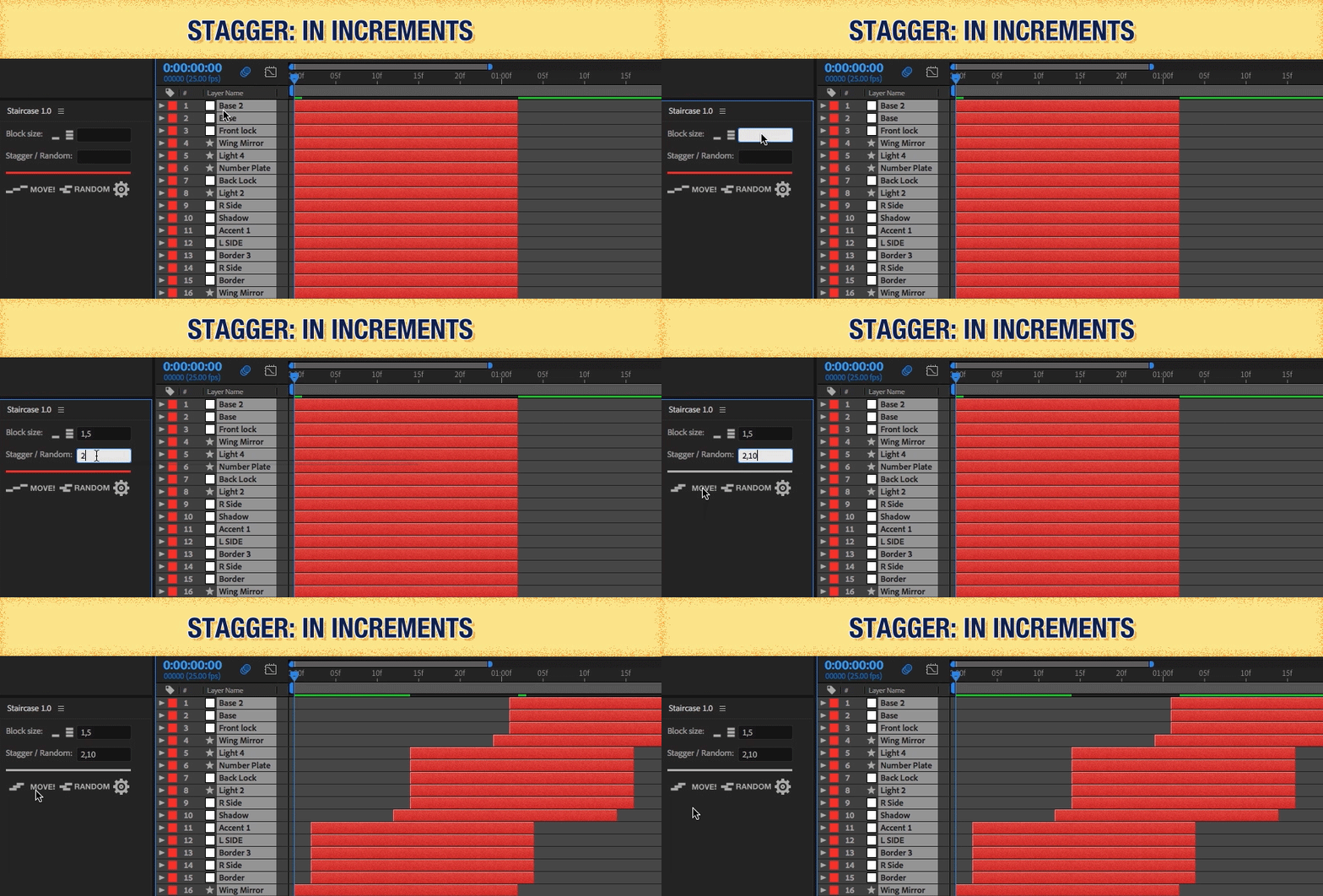
Stagger
Stagger in increments, or by position.
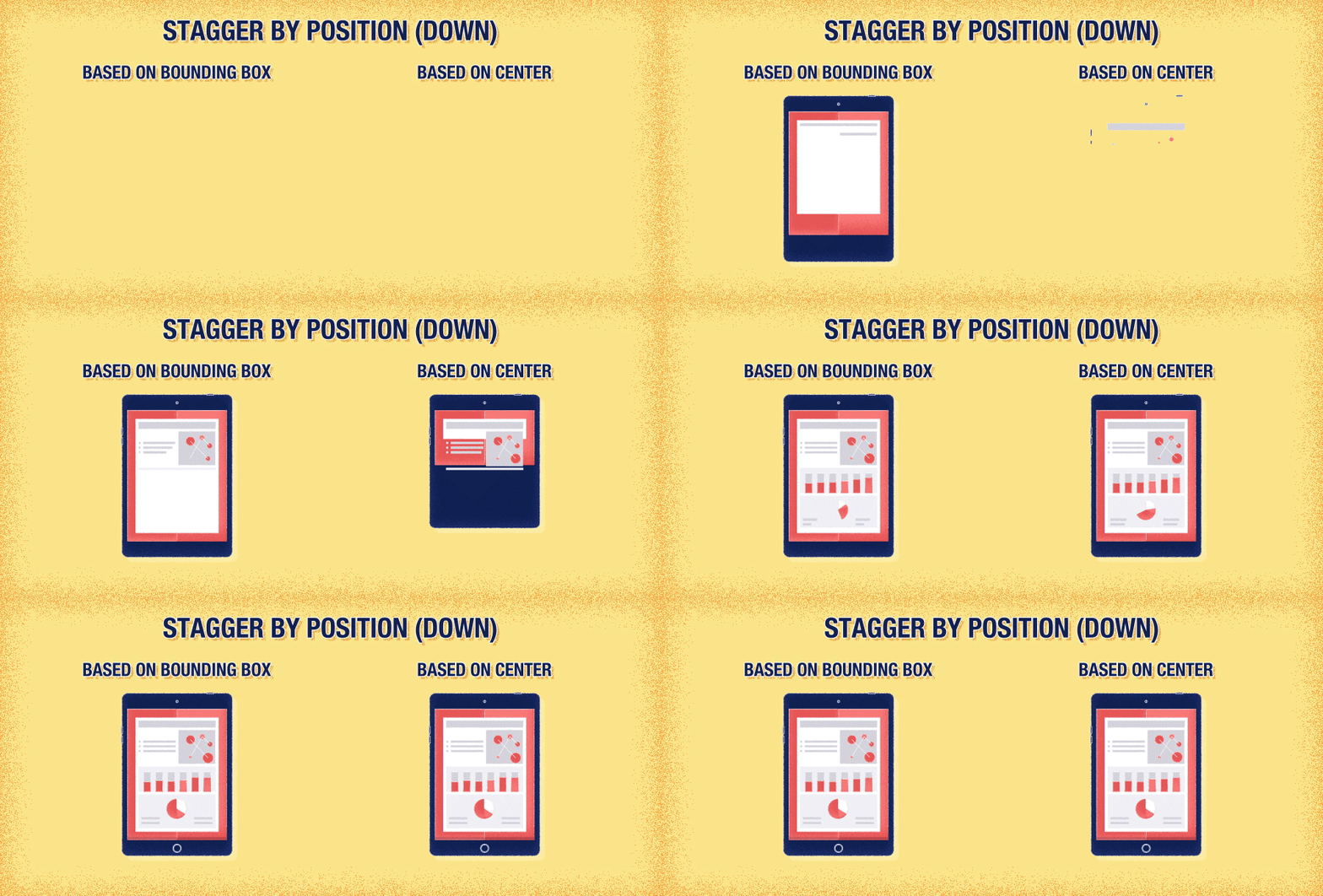
Alt-click to stagger by position — control whether layers sharing a position start together, and choose whether position is measured from the centre point or the bounding box.
Position stagger
Bounding-box sort.
When staggering by position with bounding box, layers and blocks sort by their nearest edge to the chosen direction. Direction down = sorted by top edge, and so on.
Easing
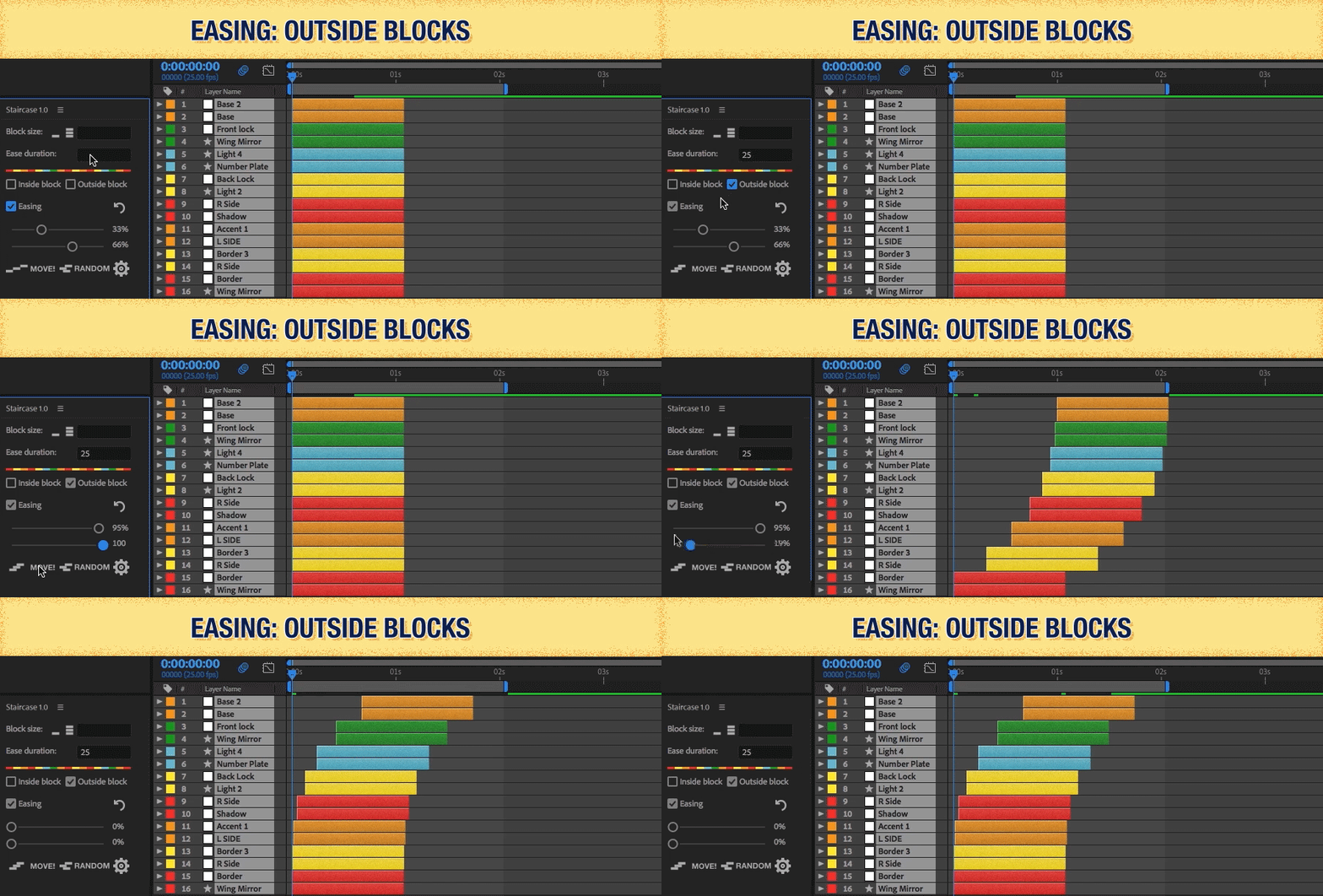
Ease the outsides, the insides, or all of it.
Add easing to every selected layer, or restrict it to inside/outside blocks only. It shows up in the main UI so you're not hunting for a menu.
Sequence
Sequence and fade between blocks.
Staircase works out each block's in-point and out-point so sequenced blocks land together. Shift-click to fade in, Alt-click to fade out, Shift+Alt to do both.
Randomise
Randomise blocks in time.
Push blocks forwards in time up to a defined amount. Shift-click to allow forwards and backwards.
Custom UI
Show only what you use.
Add or hide Inside/Outside Block controls and Easing controls from the main UI. Reopen the script to see the changes.
If you don’t need a set of controls on a given project, collapse them out of the way. If you do — turn them back on.
Additional features
The small stuff.
- Choose a unit between frames, seconds, or minutes.
- Round to the nearest frame when easing.
- Merge label colours into single blocks — even if they're not together in the timeline.
- Move layers to the current-time indicator (CTI).
- Create a block from every layer selected.
Compatibility & trial
Compatibility
Staircase works with After Effects CC 2014.2 and up, with support for multiple AE languages. Please test the trial before purchasing.
Trial
Trial is limited to 6 layers and 7 days.
Stagger, sequence, ship.
Grouped animation without touching a single keyframe by hand.