Root — After Effects
Collect and relink every asset into your project root.
Root is an After Effects asset organiser that turns messy files scattered across your system into clean, self-contained projects in seconds. It finds missing media, gathers what’s used, and packages everything into your project — pulling assets straight from your downloads, desktop or any external drive.
Key features
Four tools, one workflow.
Gather
Pull every linked file into one clean project root.
Collect
Export selected comps into structured project roots.

Search
Find missing assets instantly with recursive scanning.

Reduce
Batch reduce comps into focused collected projects.
Gather
Root gathers scattered media
Copies or moves it into a clean folder structure, and automatically relinks in your project.
How it works
Three steps. No cleanup.
Detect every referenced file in the project.
Copy or move assets into a clean, predictable structure.
Update project paths automatically.
Live status
Live status updates as you work.
See exactly what's in your project root, out or missing — in real time.
Find missing
Find missing assets in a click.
Pick a starting folder and recursively search through your system.
Collect
Collect and share assets straight from the timeline
Select comps or layers and export a clean, shareable package fast. Auto-zip the collected package for easy sharing.
Batch reduce
Batch collect and reduce to individual projects
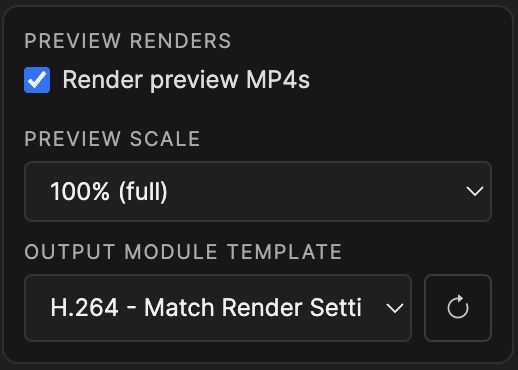
Reduce full projects, specific folders, or selected comps into clean, lightweight packages. Auto-zip packages and generate preview files for quick sharing.
Drag & drop
Drag & drop integration
Drop files or full projects onto Root to automatically copy and relink.
Folder templates
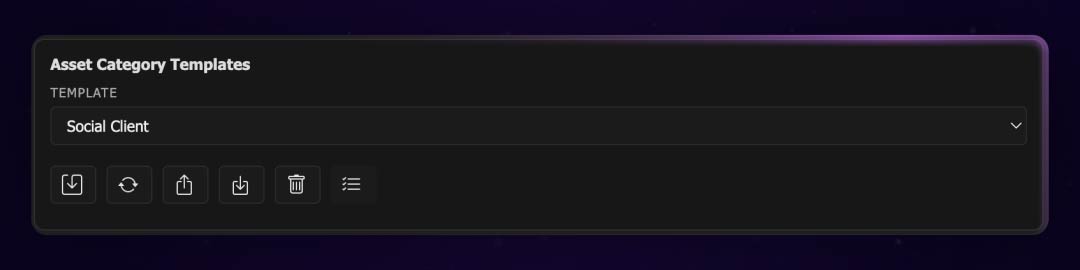
Create, save and share custom folder structures for different clients.
Build templates once, reuse them across projects, and keep every delivery consistent.
Customisation
Full customisation and control
Create custom folders based on asset categories and extensions. Switch between cards or tree view to build your structure.
Two surfaces
Simple panel, or full-control dialog.
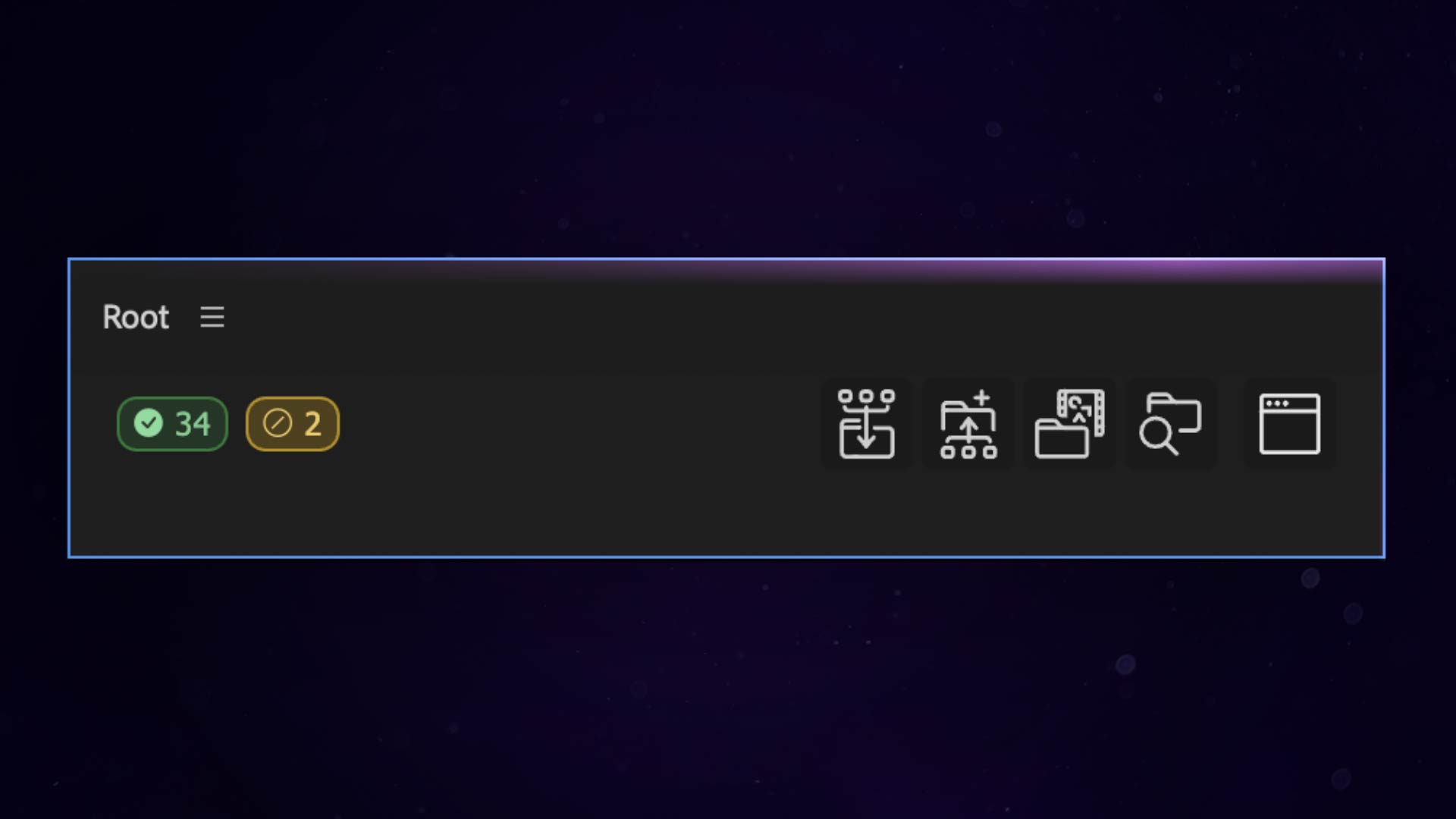
Simple panel UI
Built for speed and everyday use, with fast access to core actions.
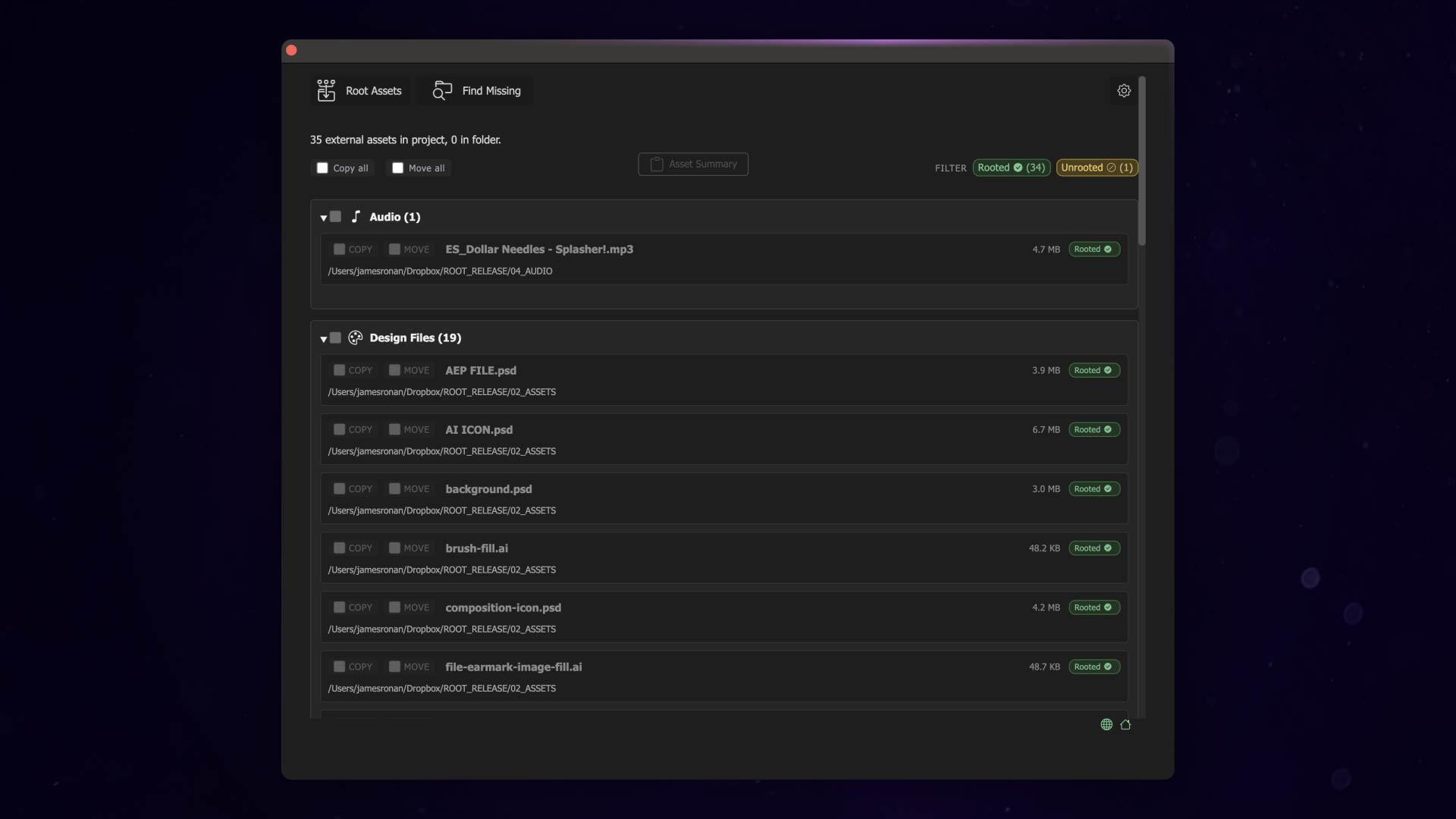
Custom dialog for full control
Advanced options, edge cases, and full control when you need it.
One workspace
Configure everything in one structured workspace.
Project root, folder templates, preferences, and reduced exports — all in one place.
Asset Categories
- Footage, Audio, 3D, Images
- Image Sequences
- Design Files (PSD, AI)
- Custom sub-categories
- Category variants per client or task
- Organize by extension or duration rules
- Per-category folder paths
- Extension assignments
Folder Templates
- Save & reuse structures
- Map categories to folders
- Import / Export as JSON
- Per-client templates
- Category variants
Global Preferences
- Relinked project naming
- Version numbering (v001)
- Auto-refresh interval
- Local prefs search depth
- Debug mode
Per-Project Settings
- Project root path
- Local category config
- Active template selection
- Reduced exports folder
- Portable .root-local-prefs
Relinking
Relinks all files automatically
Root updates every path as it moves or copies assets.
Works with every file type.
Including layered design files — unlike many other tools.
Tutorial
Watch the full tutorial.
See Root in action from start to finish.
Clean projects. Zero missing media.
Keep every asset collected, organised, and relinked without the manual cleanup.
FAQ
Answers.
- What does Root collect?
- Root gathers the media linked to your project or selected comps and places it into a clean, organized project root.
- Can it find missing files?
- Yes. Root scans your project for missing assets and helps you relink them quickly.
- How does the batch comp collector work?
- Select multiple comps, then run Collect to build one clean package per comp or a single combined package. Choose to collect into individual or separate packages, pick your destination folder, and optionally render previews and zip the results for easy delivery.
- What versions does Root support?
- Root is supported on After Effects 2025–2026. It may work on earlier versions, but only AE 2025–2026 are officially supported.
- Why does it create an increment with design files?
- Due to a limitation in After Effects, there is no direct way to relink layered design files via scripting. Root solves this by creating a new project, so your previous project remains safe and untouched.
Trial
Trial limitations
The trial lets you explore Root’s workflow with a limited number of assets per collect. Purchase unlocks full, unlimited collection.